
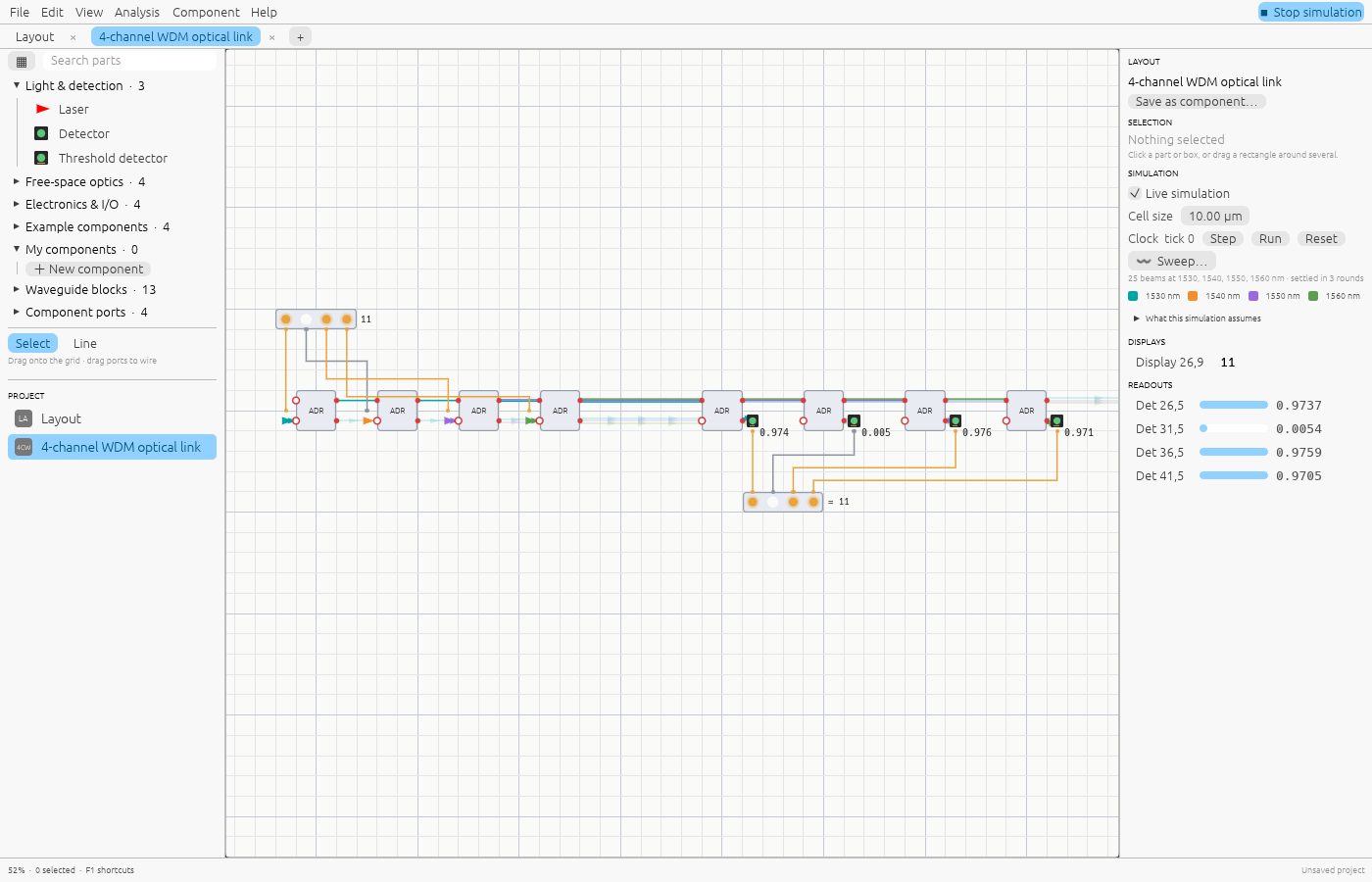
Photonic chips already move data between servers in data centres, and they are starting to do linear algebra for machine learning. Designing for them usually means expensive device-level tools or a notebook full of matrices. Shine sits in between: a visual editor where you lay out lasers, splitters, rings and detectors, wire the electronics that drive them, and see exactly where the light goes.
It runs in the browser at shine.lupyd.com/app, as a desktop app on Linux, Windows and macOS, as a Rust library, and as an MCP server that lets AI assistants design circuits.
Light, solved exactly
Every optical part is a scattering matrix that maps the complex field on its inputs to its outputs. Shine connects them into one circuit and solves the steady state as a single linear system, once per wavelength.
- Interference is right because fields add, not powers.
- Loops and resonances (rings, cavities, a Fabry–Pérot) are solved directly, not by bouncing light a fixed number of times.
- Coherence is explicit. Lasers on the same shared source interfere; independent lasers and different wavelengths add their powers, like real separate lasers.
For speed, each circuit compiles per wavelength into a flat program: parts on straight paths become SIMD multiply-adds over batches of inputs, and each feedback loop gets an LU factorisation computed once. All independent sources at one wavelength are solved together in a single vectorised pass, and wavelength sweeps run in parallel on desktop.
Optics and electronics in one loop
Lasers, phase shifters and attenuators can be driven by signals, and detectors feed signals back. Shine evaluates the electronics from the detector readings, re-solves the light with the new drive values, and repeats until nothing changes. Registers only change on a clock tick, so feedback through a register is well defined, and a loop that keeps flipping is reported as an error rather than guessed.
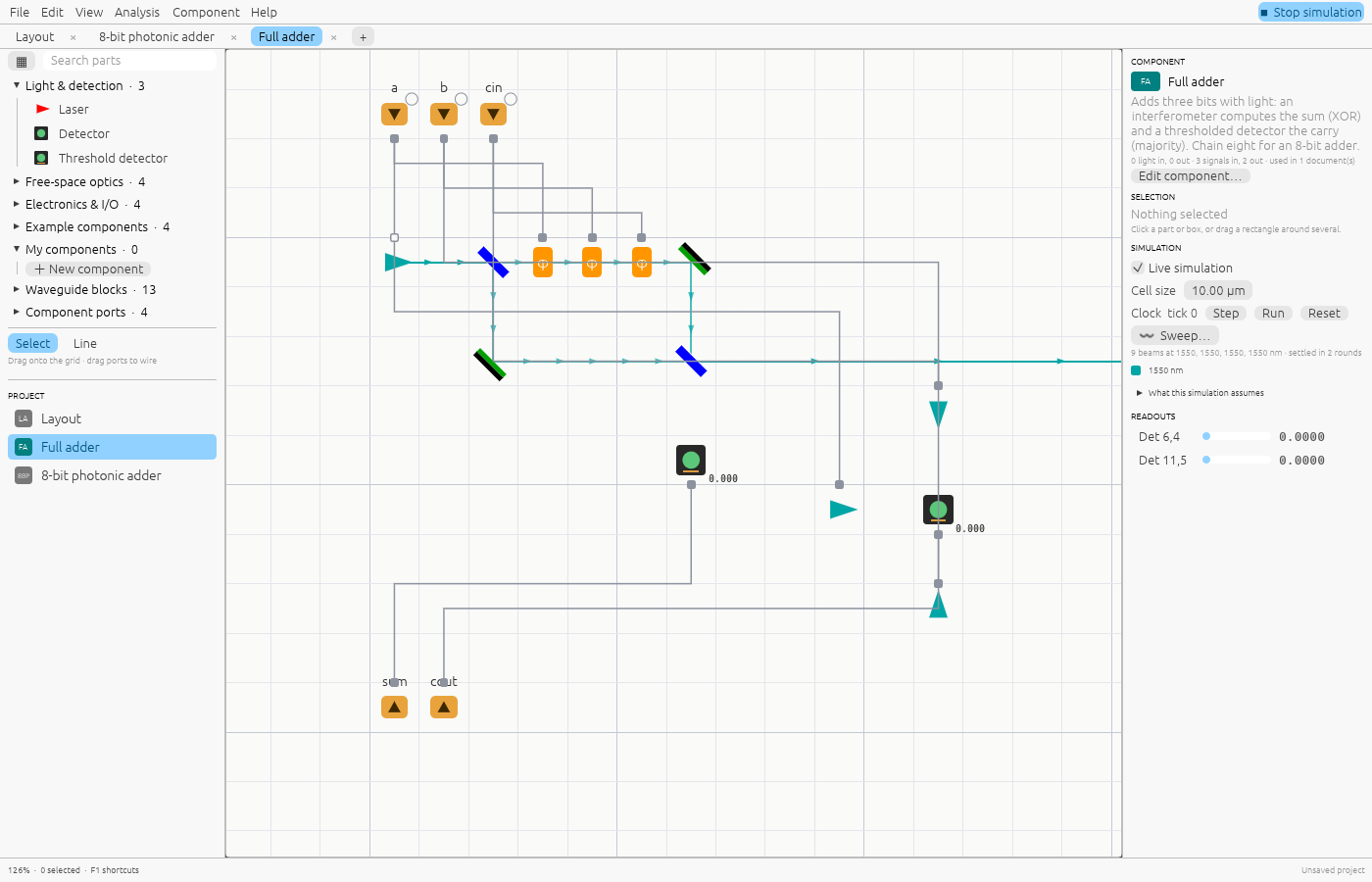
That is enough to build an 8-bit photonic adder whose sum bits come from interference, or an accumulator that adds on every clock tick.
An editor built for circuits
- One grid for free-space parts, component boxes, waveguides and signal wires, with Blender-style controls: G to grab, R to rotate, Shift+D to duplicate, Shift+A to add.
- Reusable components. Any layout becomes a box with light ports and signal pins, nested as deep as you like. Edits update every use, and a component’s pins can be clicked to try it on its own.
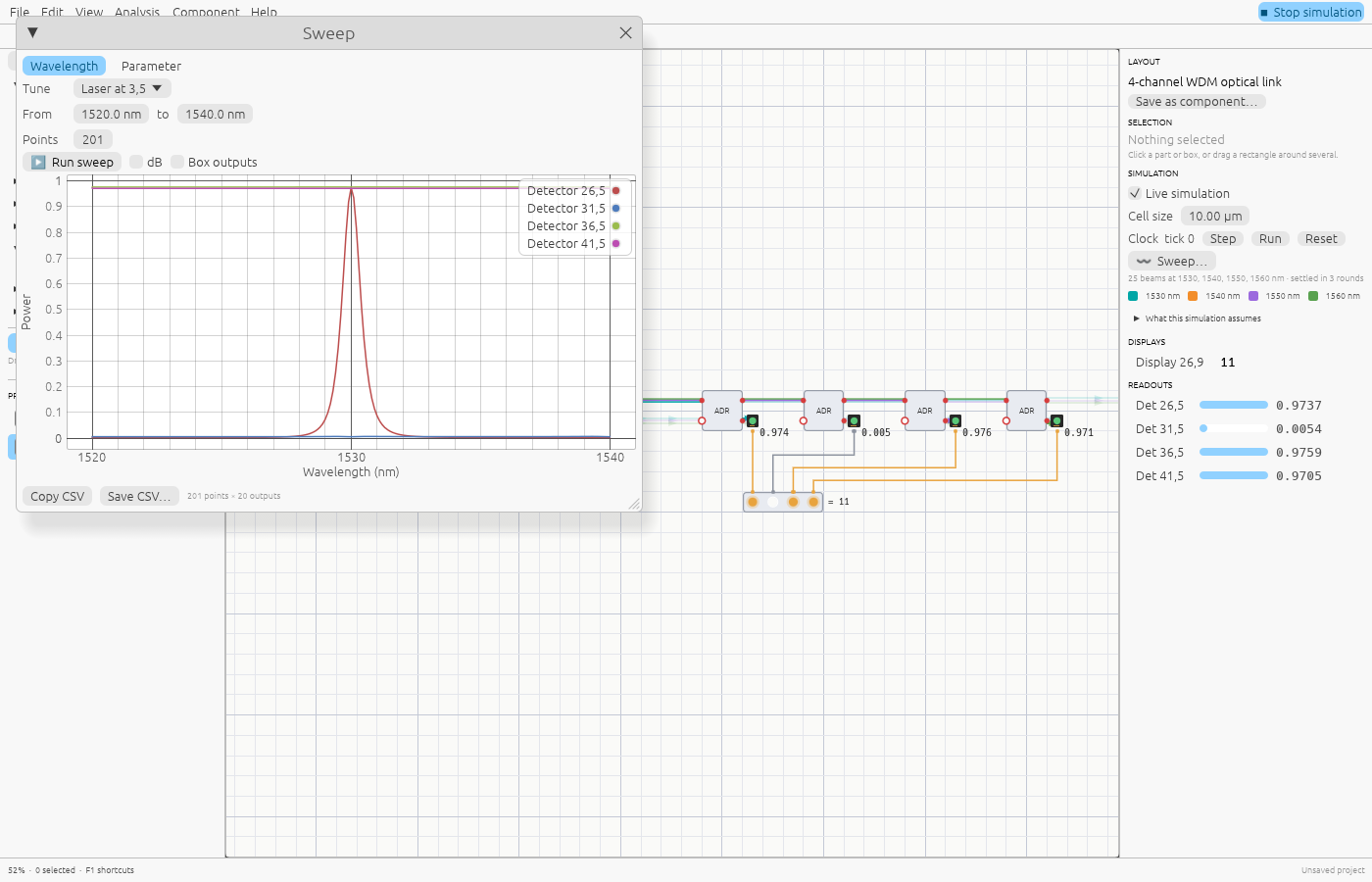
- Sweeps. Plot every output over a range of wavelengths or one parameter, in power or dB, and export the data as CSV.
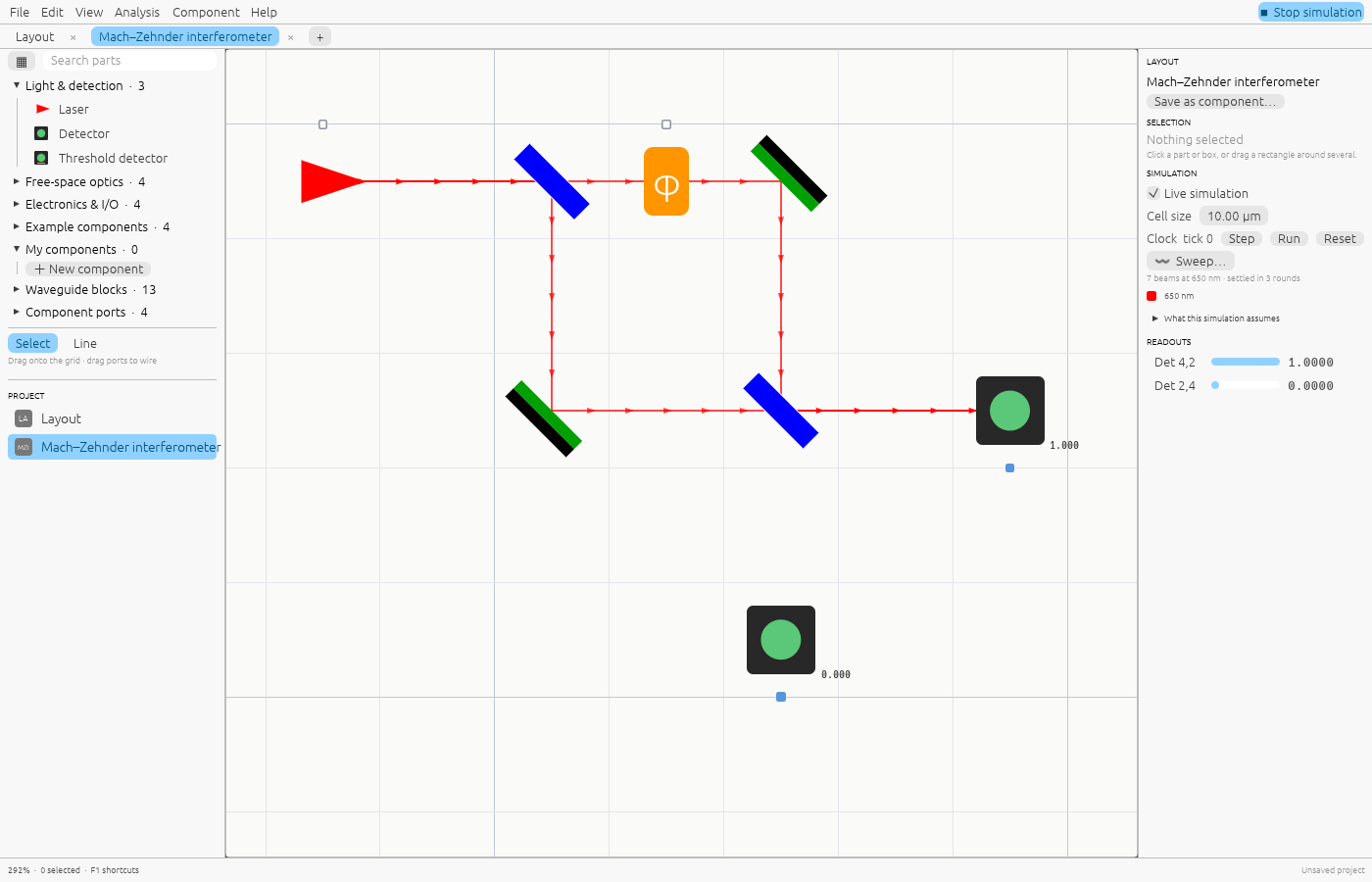
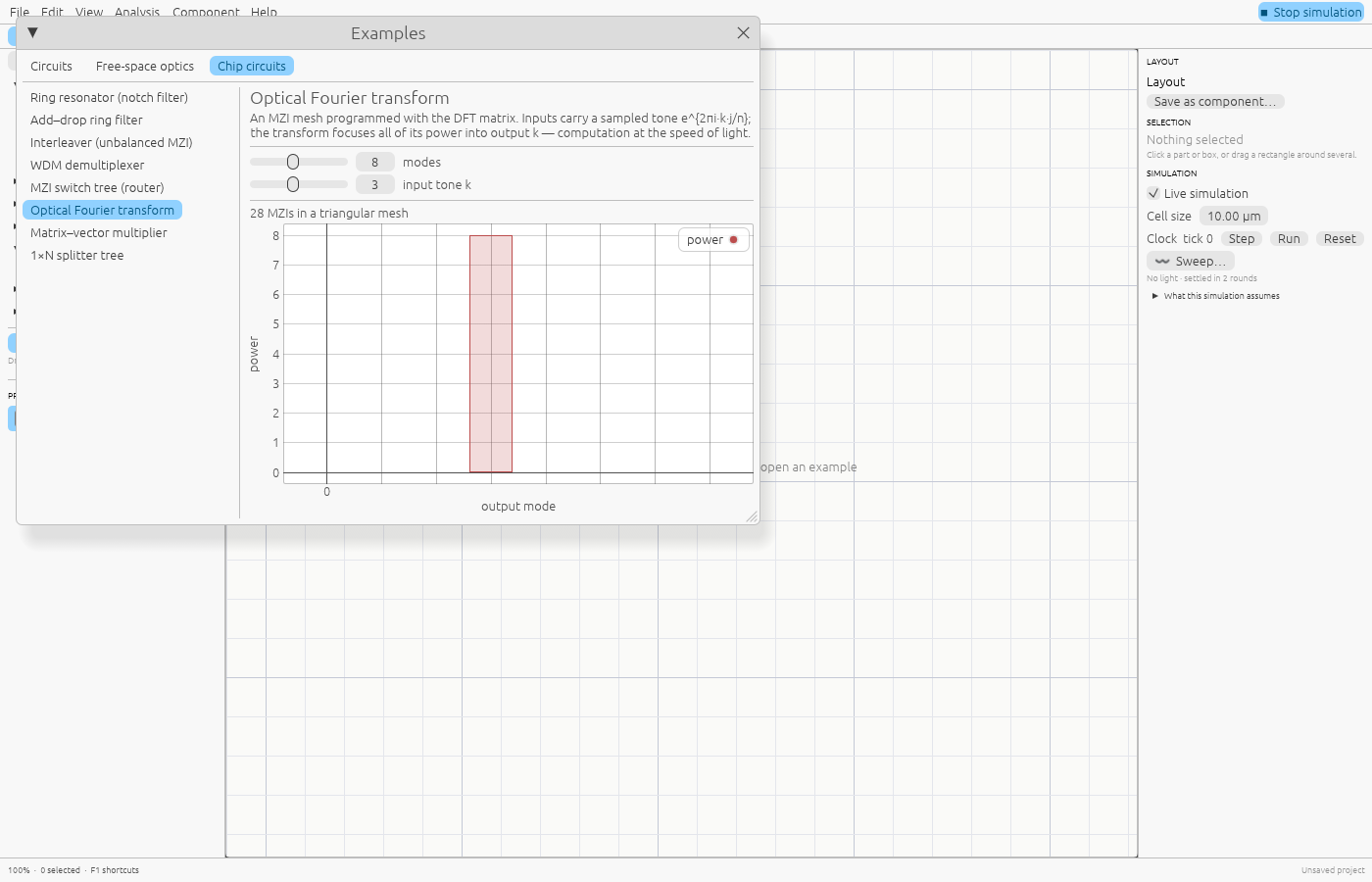
- Examples that teach: a WDM link, Mach–Zehnder and Michelson interferometers, a Fabry–Pérot cavity, a coherent XOR gate, and an optical Fourier transform on a triangular MZI mesh.
For AI assistants
shine-mcp is a Model Context Protocol server. An assistant can list
the building blocks, simulate a circuit described as JSON, sweep a
filter’s spectrum, find the MZI phase settings for a matrix, and save
the result as a .shine project a person can open and edit. The whole
documentation is also served as plain text for language models.
Honest about its limits
Parts are ideal, the simulation is steady-state, and free-space beams are rays on a grid with no diffraction or polarisation. So Shine is right about interference, routing, resonance and wavelength behaviour, which makes it a good place to learn and prototype, but it is not a replacement for a device-level solver when designing a chip for fabrication. The roadmap closes that gap in order: real units in mW and dB, waveguide dispersion and loss, then foundry models.